Power BI for HVAC companies that run service and install
Power BI for HVAC companies joins dispatch, job costing and service agreement data, so an owner sees margin, callbacks and technician output each day. Field service software captures every call, yet its reports rarely tie a job back to the ledger. Power BI Agency builds that link online, in your own Microsoft tenant, with our consultants who show working pages every week.
- Margin per job
- Callbacks tracked
- Agreements renewed
Last updated
What does Power BI for HVAC companies make visible?
An HVAC business has two halves. Service calls are short and frequent. Installs are larger and carry material cost. Each half earns money differently, so a single revenue total hides more than it shows.
Seasons add another twist. Demand jumps in a heat wave or a cold snap, and then it falls. Therefore a manager needs to compare this week with the same week last year, not with last month.
A Power BI model handles both. It separates service from install and lines up the calendar by season. Then margin per job, revenue per technician and callback counts appear on one page, with last year beside them.
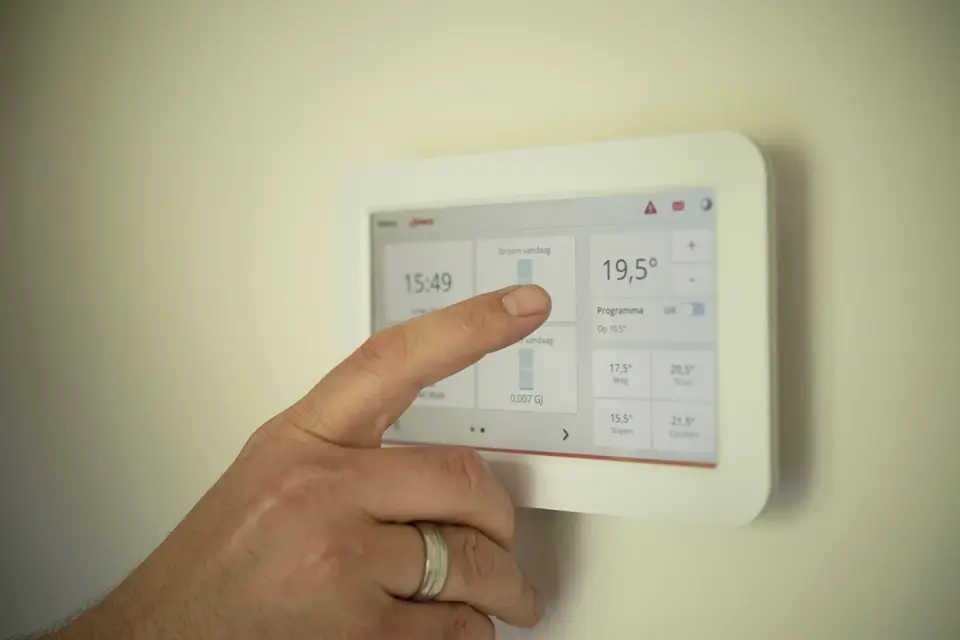
Six HVAC dashboards owners and dispatchers use
Start with the page that answers your most frequent question, then add the rest.
Job margin
Revenue meets labor and material cost for each job type, so the profitable work is plain to see.
Technician output
Completed calls, billed hours and average ticket show per technician. Then coaching starts from facts.
Callbacks
Return visits link back to the first job. As a result, repeat problems and their causes surface.
Service agreements
Active, renewed and lapsed agreements appear by month, which shows how steady the base is.
Lead to booked job
Calls, estimates and sold jobs form a funnel. Therefore the office sees where quotes stall.
Schedule capacity
Booked hours compare with available technician hours, so dispatch spots a gap or an overload.
How does HVAC field service data reach Power BI?
Field service software holds calls, technicians, invoices and agreements. The accounting system holds cost, payroll and the ledger. Some contractors also track leads in a call tracking or marketing tool.
Access depends on the product. Several offer an API or scheduled exports, and some accounting systems have a documented connector. So we check your exact products against Microsoft's connector list first. Then the quote states the route.
Matching records is the hard part. A job in the field tool must tie to its cost in accounting. Because the two systems may use different job numbers, we build a mapping early. After that, margin per job is reliable. Because dispatchers glance at a screen between calls, our power bi dashboard design keeps each page simple.
Signs that Power BI for HVAC companies will pay back
Several of these together mean the numbers exist but nobody can reach them quickly.
- Job profit is known weeks after completion
- Callbacks are counted from memory
- Agreement renewals are tracked on paper
- Technician reports differ by branch
- Seasonal comparisons need a manual export
- Estimates vanish without follow-up
How a Power BI for HVAC companies project works
Four stages take the work from a first call to reports your office runs alone.
Free thirty minute review
First we walk through the reports you use today. The call is free and ends with a plain recommendation.
Written scope for HVAC reporting in Power BI
Then a quote names the systems, the pages and the refresh. Because it is fixed, you know the boundaries.
One department first
We begin with service or install alone, since proving one half keeps the pilot small.
Weekly demo and handover
A working page arrives every week. Finally the office manager gets the files and a recorded walkthrough.
HVAC reporting in Power BI: contractor questions
Does Power BI for HVAC companies connect to field service software?
Most field service products offer an API or exports, and either can feed Power BI. We confirm the route for your product before quoting. Because a native connector is only claimed when Microsoft documents one, the scope describes the real method and its refresh limits.
Can technicians view Power BI reports on a phone?
Yes. Power BI has mobile apps, and we can add a phone layout to a page. A technician might see their own calls and ticket average. However, each viewer needs a suitable license, so we discuss who truly needs access first.
Can Power BI for contractors compare branches?
Yes, once job types and cost codes follow one mapping. Then a branch page ranks locations on margin, callbacks and agreement renewals. Row-level security can also limit each branch manager to their own figures, while owners see all of them.
How often do the job figures refresh?
Overnight refresh suits most contractors, because job costs post at day end. Dispatch pages can refresh more often when the source allows it. We set the schedule in the scope and confirm it fits your license. We also avoid the hours when your accounting system runs its own jobs.
Who builds the contractor reports?
Our consultants handle the build online, inside your tenant. Power BI Agency is a division of Sataware Technologies, independent of Microsoft, with a deliberately small team. We help contractors bring job, service call and technician data into one set of reports. Every message gets a reply within 2 hours.
Let's build your first dashboard together.
Tell us what you report on today. A consultant replies within 2 hours with next steps.
Trusted partners
Microsoft Solutions Partner · AWS Partner
Cloud & AI Platforms
Azure SQL, Microsoft Fabric and the data pipelines behind your reports.
AI Business Solutions
Power BI reporting on your Dynamics 365, Business Central and Power Platform data.
Security
Row-level security and Entra ID sign-in on every report and workspace.
Amazon Web Services
Power BI on your AWS data, with connectors for Redshift, Athena and S3.